Writing an Interface
This week's focus was on building an interface between my computer and the board, and at the heart of that interface is a small server program. It is in charge of working between the hardware and whatever user interface I build, serving as a bridge between UI interaction and the hardware.
Since I need time to work on the final project, this week's time was actually quite tight. So I just want to get this quickly over with and focus on things that are expected to be time consuming. The learning process is fun though, and I can clearly sense the kind of potential this application could have to integrate functionality all together to something that is closer to consumer product.
Server Program Capabilities
The server program would in theory:
- Open a connection to the board (over serial).
- Listen for incoming data and parse it into meaningful messages.
- Respond to simple commands from the UI/Python side (for example: read a sensor, toggle an output, or report status). It could do so many things, but this week I'm only doing a small demo of its power.
- Make it easy to swap or extend front-end interfaces without touching the low-level board code.
Making the Board Work
Before I could worry about user interfaces, I needed to make sure the board actually worked and could talk back to my computer. I'm using the board I made before and wrote a few simple functions and had it tested. Here's the code: Board Message Program Download
UI and Python Program
Given the simplicity of the UI I had in mind, this simple HTML page took me 5 minutes to write. It is actually the script part that took most of the time. (I had ChatGPT help me debug.)
Preparation
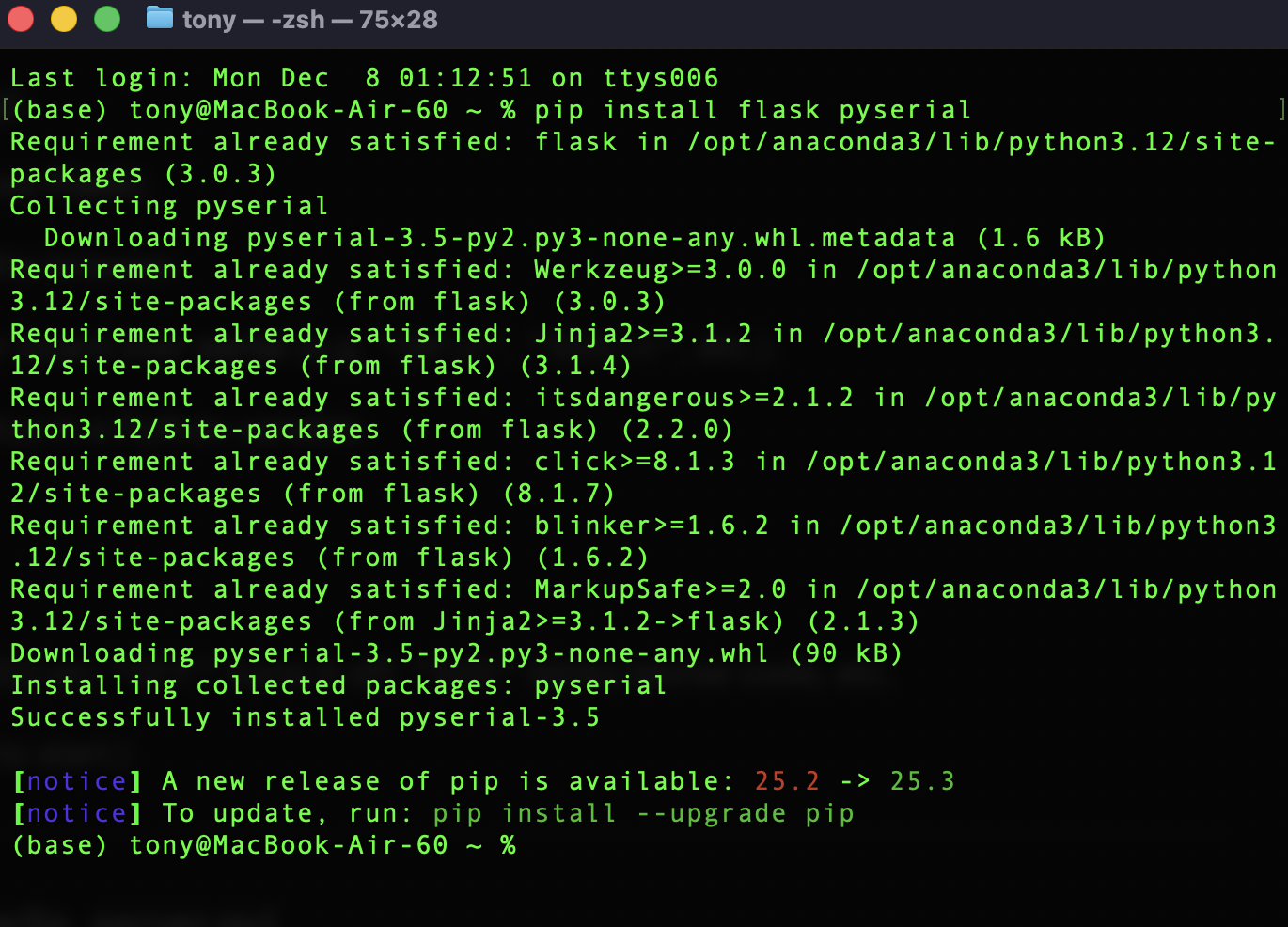
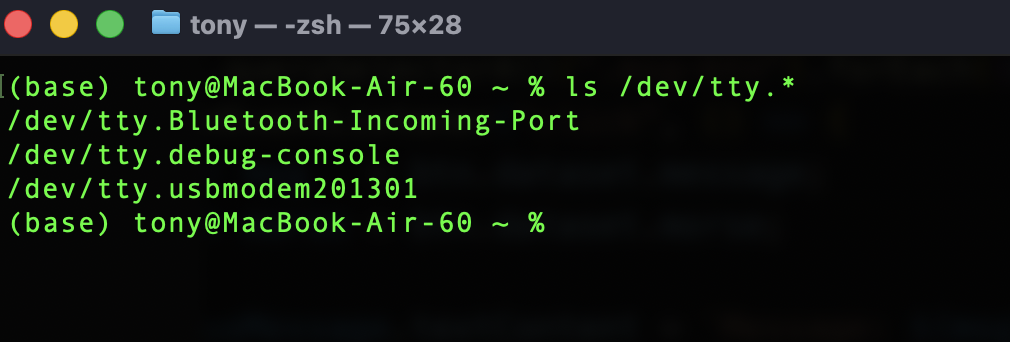
ls /dev/tty.* on MacOS terminal.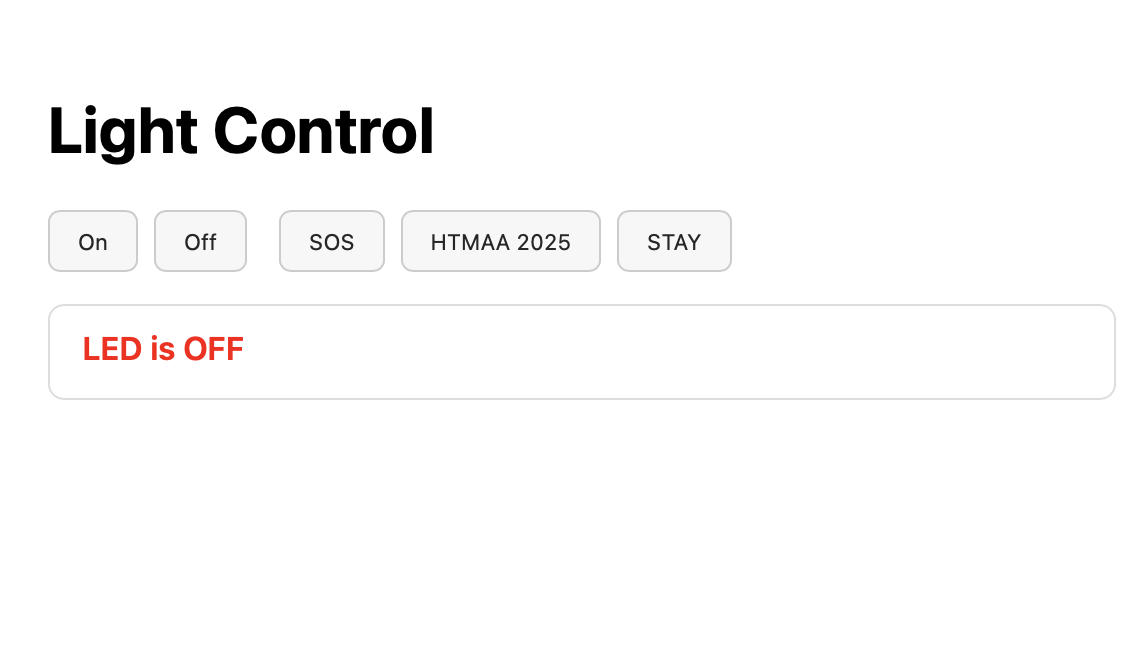
Other than the typical debugging process I encountered, one thing that's worthy of noting is that if the port is being used, we cannot upload the board code via Arduino. Obviously the server needs to be closed so that others can use it. Took me a while to figure this out. Other than that, I'd say the whole development work was pretty smooth.
File Downloads
UI.html Download · server.py Download · Message_board.ino Download